Article Manager
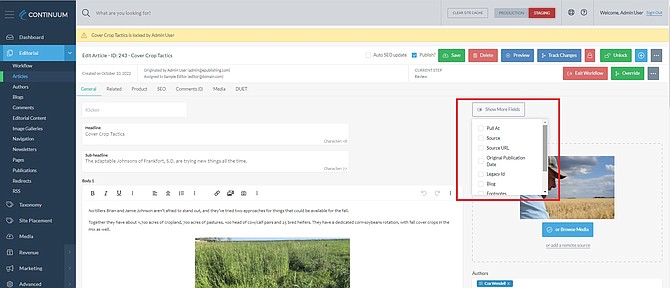
We’ve made a few updates to the Article Manager. First, “Show More Fields” will now pin the fields added to an article. After updating a system setting, the fields added will be available on new articles without having to be selected again, saving users time.
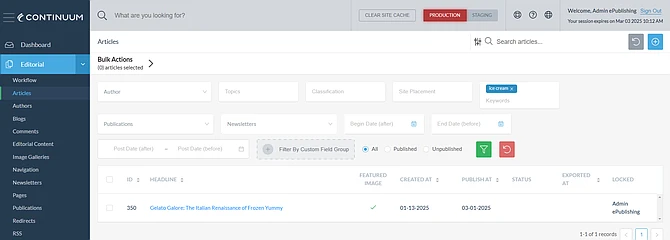
Also, it is now possible to associate an article with newsletters and publications. We have expanded the right rail to incorporate a new field that allows users to directly assign articles by attaching a taxonomy term of the newsletter or publication. This makes it easy to curate content for multiple publishing channels with one click.
In addition, articles can now be exported as an .XML file. The .XML includes all of the article metadata, along with any associated metadata
Templates
Article, Event, Product and Directory Listing templates are now available. Easily create new templates from new or existing templates to streamline your team’s efforts. FYI, article templates can be quickly turned on from two system settings.
Custom Fields
Concurrently setting an Active status on multiple custom fields is now supported. In addition, Continuum now supports the display of internal names on custom fields.