AI Revenue Engine for Media

Continuum Feature Spotlight

Today, we’re excited to spotlight two, key features. One supports your internal team, helping them to navigate customer service challenges. The second was designed to support your sales efforts.

The first is “Impersonate a User.” To save time, User Admins can login to the website as a user with our one-click access. This is a great customer service troubleshooting tool. Use it to make purchases, renew subscriptions, and update profile information. Discover how you can use it here. 

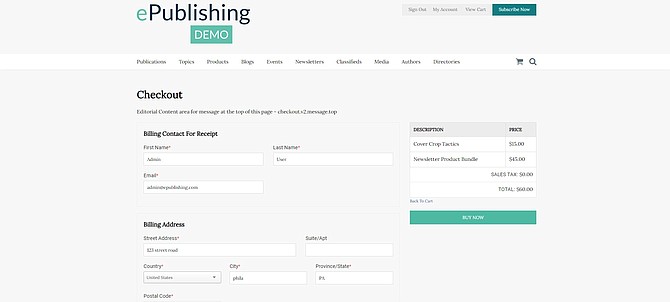
We’ve also streamlined our shopping cart to make purchasing smoother for your customers. Now, your audience can complete a purchase in as few as three, easy steps. After adding products to the cart, users will see the Billing and Credit Card information are listed together now on the last page. It can also automatically apply sales tax after a user enters his or her billing information. You’ll find that Event Attendee information is listed on this page as well. 

ABOUT THE AUTHOR
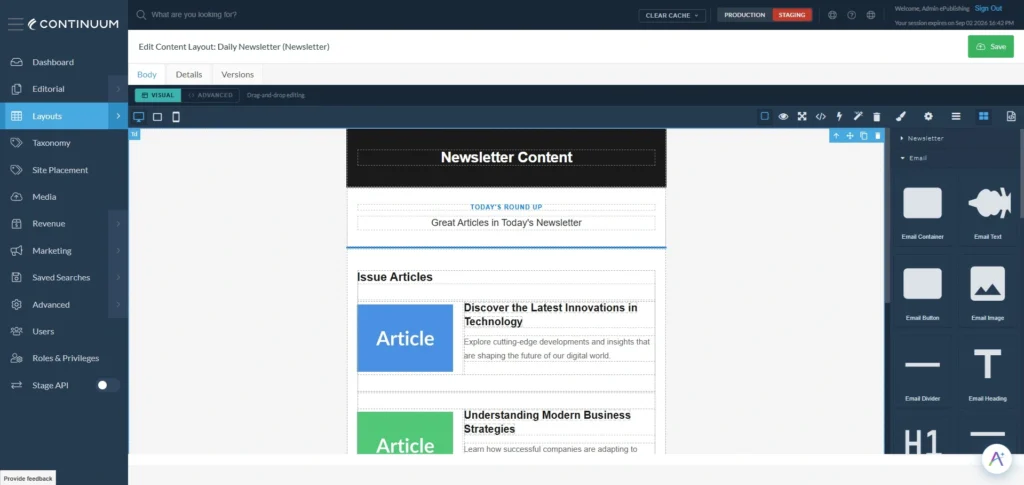
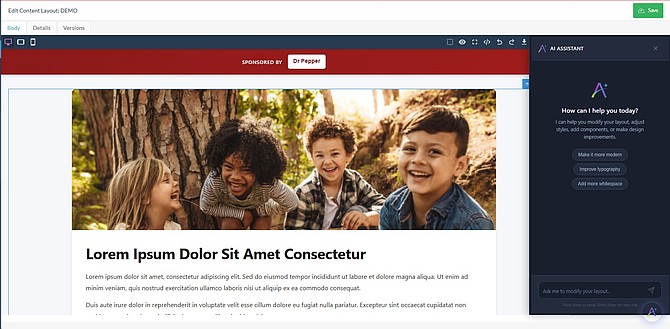
Continuum DXP AI Design Engine generating page layouts automatically

Continuum’s AI Design Engine is now available

We’re excited to announce this new addition to Continuum. AI Design Engine, a revolutionary visual design tool that empowers you...

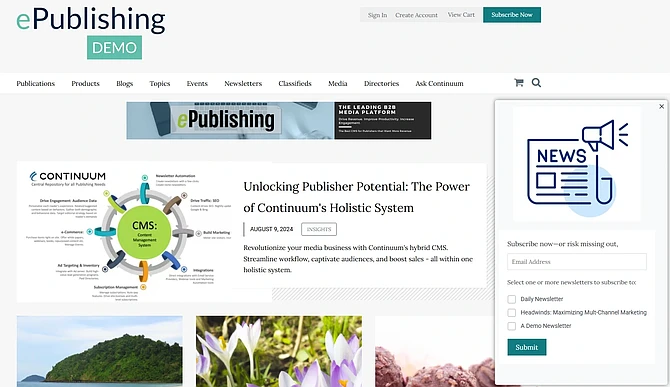
Newsletter signup popup displayed on a publisher website

Boost Newsletter Signups with On-Site Pop-Ups

Continuum now provides the capability to configure and display an Editorial Content Area as a pop-up message that allows your...

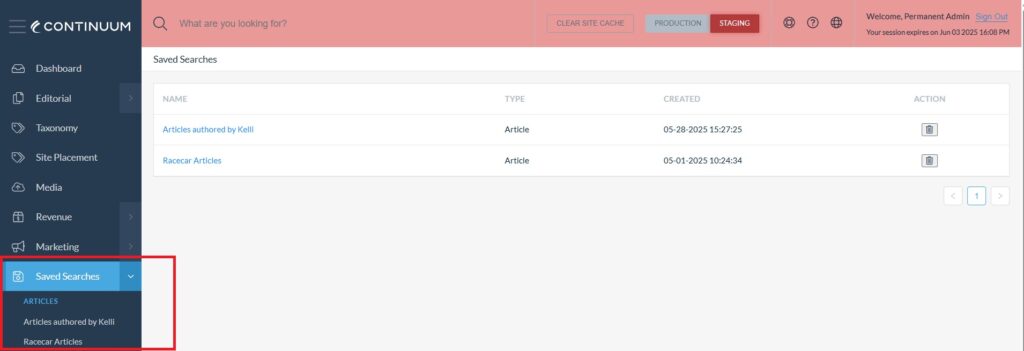
Saved searches feature in Continuum DXP streamlining editorial workflow management

Unlock Efficiency and Streamline Workflows with the Latest Continuum Updates!

Saved Searches, Order Manager, Article Manager and User Manager updates...

Supercharge Your Continuum Site with Smarty: Address Entry Made Easy (and FREE!)

Great news! Your Continuum Site now integrates with Smarty, a powerful physical address helper designed to provide a better experience...