AI Revenue Engine for Media

Ellington 4.Crosstown.D5

UPDATES

WYSIWYG Inline Alignments and Inline Rendering

The WYSIWYG Editor for Ellington 4.Crosstown.D5 has gotten some pretty significant updates in relation to how Inlines are handled.

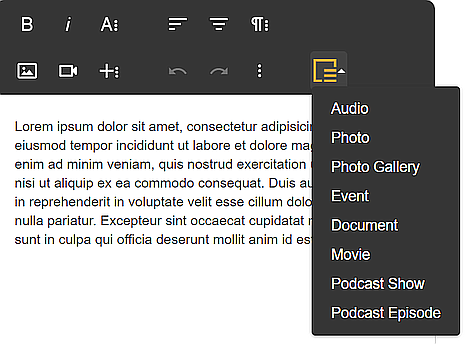
To begin with, the WYSIWYG now has an Ellington Inline button that provides a dropdown allowing for an easier faster selection of supported inlines.
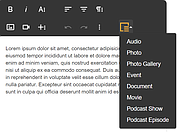
New Inline Dropdown

Secondly, the inlines currently render with some text stating that the inline can’t be shown in preview mode. This has gone away completely and now inlines render in both the WYSIWYG editor and the preview and even can be manipulated using the WYSIWYG editor alignment tools.

Inline manipulation

Linksets UI Update

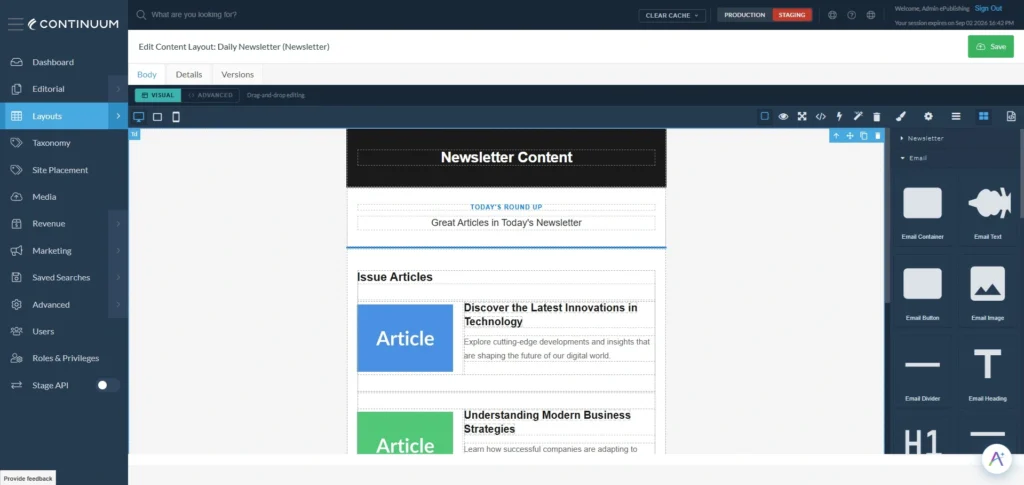
The Linksets user interface has been updated to now allow you to browse and select links, using our normal browse windows, rather than just needing to input the IDs.

ABOUT THE AUTHOR
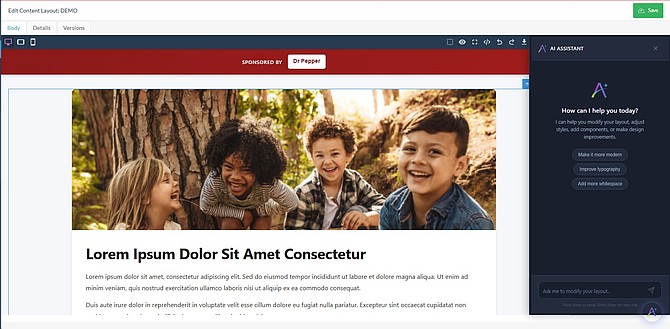
Continuum DXP AI Design Engine generating page layouts automatically

Continuum’s AI Design Engine is now available

We’re excited to announce this new addition to Continuum. AI Design Engine, a revolutionary visual design tool that empowers you...

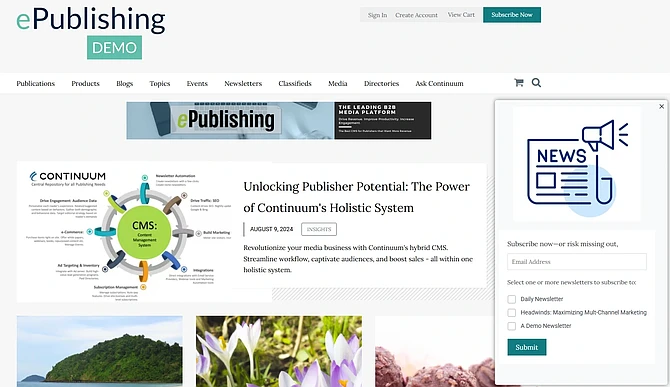
Newsletter signup popup displayed on a publisher website

Boost Newsletter Signups with On-Site Pop-Ups

Continuum now provides the capability to configure and display an Editorial Content Area as a pop-up message that allows your...

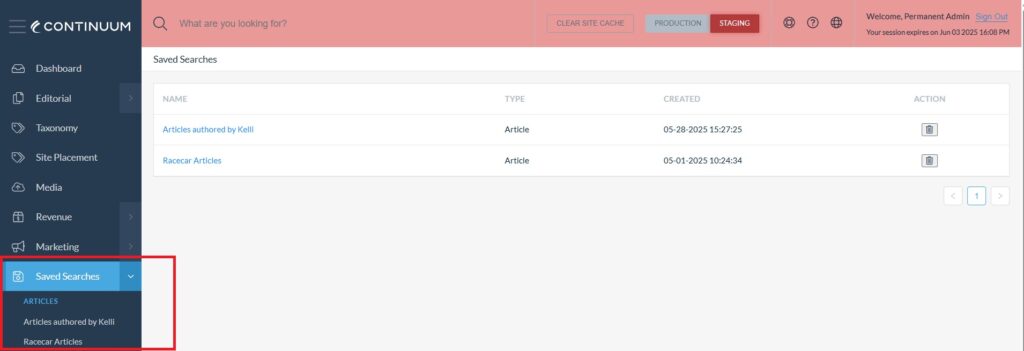
Saved searches feature in Continuum DXP streamlining editorial workflow management

Unlock Efficiency and Streamline Workflows with the Latest Continuum Updates!

Saved Searches, Order Manager, Article Manager and User Manager updates...

Supercharge Your Continuum Site with Smarty: Address Entry Made Easy (and FREE!)

Great news! Your Continuum Site now integrates with Smarty, a powerful physical address helper designed to provide a better experience...