
AI Revenue Engine for Media

Did You Know: Import Transactions

Over the years, we’ve enhanced and improved our import transactions functionality, making it one of the most powerful features in Multipub. As more people are working remotely, your team can use it to add data to our platform without inputting it directly.

Start by keying the information into Excel and then, upload the file into our system, populating multiple records at once. Items, like new orders, renewals, payments, address changes, demographic updates and order updates, can be added to the system this way. To take advantage of this functionality, follow these steps:

  1. Collect the orders into a .csv file.
  2. Create a layout for your incoming file.
  3. Import the transactions into Multipub.

With its increased capabilities, users can also design their own layouts and import any file. You can do this by:

  1. Creating a name for the import layout.
  2. Specifying which types of transactions you’ll be importing. Then, Multipub will tell you which fields are required.
  3. Adding additional fields if needed.
  4. Putting the fields in the same order to match your import file layout.
ABOUT THE AUTHOR
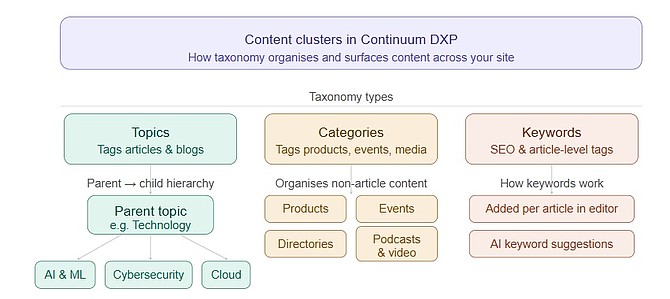
Content cluster strategy diagram showing topic hierarchy for publishers

Why Content Clusters Are the Future of Content Strategy

I’ve spent the better part of a decade sitting at the intersection of content strategy and product development. I’ve watched...

Publishers bridging content management and AI with Model Context Protocol

Publishers bridge gap between content management and AI with Model Context Protocol

Every publisher I talk to has the same story. They’ve invested in a powerful CMS. They’ve built out a content...

ePublishing AI search and engagement engine best practices article

Launch Your Knowledge: AI Search & Engagement Engine Best Practices

AI search isn’t just another search bar. It’s an extension of your editorial trust—a way for your audience to access...

Microsoft Clarity heatmap and session recording analytics dashboard

Microsoft Clarity: The Perfect Complement to Google Analytics

Microsoft Clarity is a free behavioral analytics tool that provides qualitative insights into user behavior through session recordings and heatmaps....