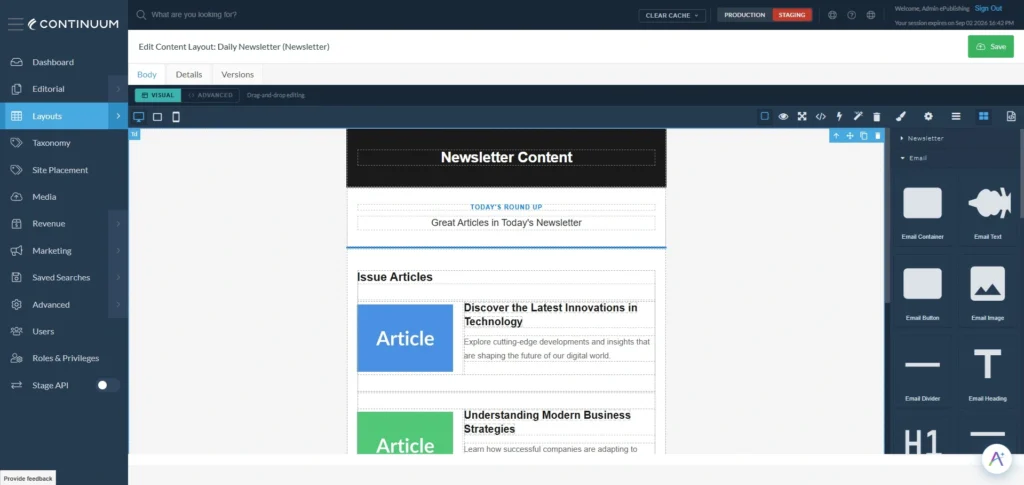
Continuum DXP keeps evolving alongside the needs of digital publishers. Here’s a look at what shipped recently, from new revenue and engagement tools to workflow improvements that make everyday editing faster.
Enhanced Polling with Lead Generation
Turn your audience’s opinions into actionable insights. Polls in Continuum can now capture leads directly, tying demographic data collection to poll responses.
- Lead capture: Require participants to share an email address and answer custom demographic questions, such as career, industry, or location, before submitting their vote.
- Integrated reporting: Poll answers, contact information, and demographic data all land in one downloadable CSV report.
- Subscriber validation: The system automatically checks whether a participant is an existing subscriber and logs that status in your reports.
Getting started just means enabling the lead generation classification for your site and defining the demographic fields you want to collect.
Remote Media Transcripts
Podcasts and hosted videos just got easier to find. A new transcript field for remote media objects helps search engines and answer engines index your audio and video content.
- Add full text transcripts to any remote media file.
- Transcript text renders in the page source, improving both SEO and answer engine optimization (AEO).
- Editors can add transcripts by simply pasting text into the new field, no technical setup required.
This is a meaningful step for publishers investing in discoverability across both traditional search and AI-powered answer engines.
User-Submitted Articles
Community contributions now have a proper home. The new User-Submitted Articles workflow gives your audience a straightforward way to submit content for your team to review.
- A user-facing submission form captures contributor details (name, email, company, job title) along with the proposed article, author bio, and images.
- Every submission lands in the Continuum admin marked “Needs Review,” so your editorial team stays fully in control before anything publishes.
- Custom fields let you tailor what information contributors provide.
Front-End Shortcuts
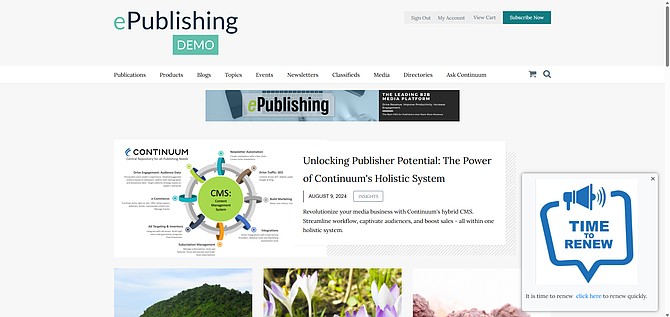
Editing your site just got faster. Front-End Shortcuts lets logged-in admins jump straight from the live site into the matching Continuum editor, no digging through the admin panel required.
- A page button in the top-right corner opens the right editing tool for wherever you are on the site.
- Edit badges appear on individual items like articles, products, events, and author bios, so you can jump straight to editing that specific record.
- Visible only to logged-in admins, so your site experience for readers stays exactly the same.
This feature is off by default and can be turned on through System Settings.
Ongoing Improvements
Alongside these features, our team has continued refining AIDE Agent (our AI-powered layout tool), with a steady cadence of fixes and performance improvements to keep your editorial workflow running smoothly.
Coming Soon: Content Lifecycle Agent
We’re actively developing the Content Lifecycle Agent, now live on our demo system as we refine it ahead of a broader release. Stay tuned for more details on how it will help streamline how content moves through your editorial workflow.
Want to see any of these features in action on your site? Reach out to your account team to get started.